4 Product-Development Architectures for AI Coding Tools (Claude Code, Codex, Cursor)
AI coding tools remove friction from implementation—but they don’t remove the need for process. Here are 4 practical delivery architectures teams use to keep speed and quality.

Rakesh Tagadghar
Frontend Dev | Founder | GenAI

Intro
AI coding tools like Claude Code, Codex, Cursor can generate features incredibly fast.
But speed isn’t the hard part.
The hard part is shipping changes that are:
- correct,
- maintainable,
- consistent with your standards,
- and safe in production.
If you use AI like a “code vending machine,” you might get a burst of velocity—followed by regressions, inconsistent patterns, and painful reviews.
The teams that win don’t just “use AI.”
They adopt a delivery architecture that turns AI speed into real product value.
Below are 4 practical operating models I’ve seen work well.
1) Spec → Generate → Verify (Spec-driven delivery)
What it is: Define a small, clear spec before AI touches code.
How it works
- Write a tight user story
- Add acceptance criteria + edge cases
- Define “definition of done” (tests, a11y, perf, analytics)
- Let AI implement inside that box
- Verify with your normal engineering gates
Why it works
It prevents the classic failure mode: building the wrong thing quickly.
When to use
Any product work where scope clarity matters (which is most work).
2) PIV Loop (Prompt → Implement → Validate)
What it is: Treat the prompt as a control surface, not a one-time instruction.
Prompt
- repo conventions (“use our hooks pattern”)
- allowed files (“touch only these folders”)
- output format (“return JSON schema / component + tests”)
- non-goals (“don’t refactor unrelated code”)
Implement
- let AI draft the solution
Validate
- run CI, tests, typecheck, lint
- do real UX checks (empty states, errors, slow network)
- verify performance budgets if relevant
Refine
- improve the prompt + approach based on what failed
Why it works
Most AI failures aren’t infra problems—they’re validation problems.
PIV makes validation explicit and repeatable.
3) Inner Loop / Outer Loop (Speed vs Trust)
What it is: Separate the workflow into two loops.
Inner Loop (Speed)
Where AI shines:
- scaffolding features
- refactors/migrations
- drafting tests/docs
- exploring alternatives
Outer Loop (Trust)
Where quality is protected:
- small PRs + human review
- CI gates (unit/e2e/visual regression)
- performance budgets
- staging → canary → rollback readiness
- monitoring + incident hygiene
Why it works
AI accelerates the inner loop.
The outer loop ensures you don’t trade long-term quality for short-term speed.
4) Test-First with AI (TDD/BDD assist)
What it is: Start from expected behavior, then let AI fill in implementation.
How it works
- Write tests or scenarios first (unit + e2e for key journeys)
- Make edge cases explicit
- Let AI generate code to satisfy constraints
- Keep iterating until tests pass and UX is correct
Why it works
Tests become your safety rails.
AI is great at filling in code that must satisfy clear, executable constraints.
The takeaway
AI doesn’t remove process—it changes what the process optimizes for.
The best teams I’ve seen are not “moving fast with AI.”
They’re building feedback loops around clarity and verification.
Closing question
Which of these models is your team closest to right now?
- Spec → Generate → Verify
- PIV (Prompt → Implement → Validate)
- Inner/Outer Loop
- Test-First with AI
And what’s been the hardest part to adopt?
Share this post
Related Posts
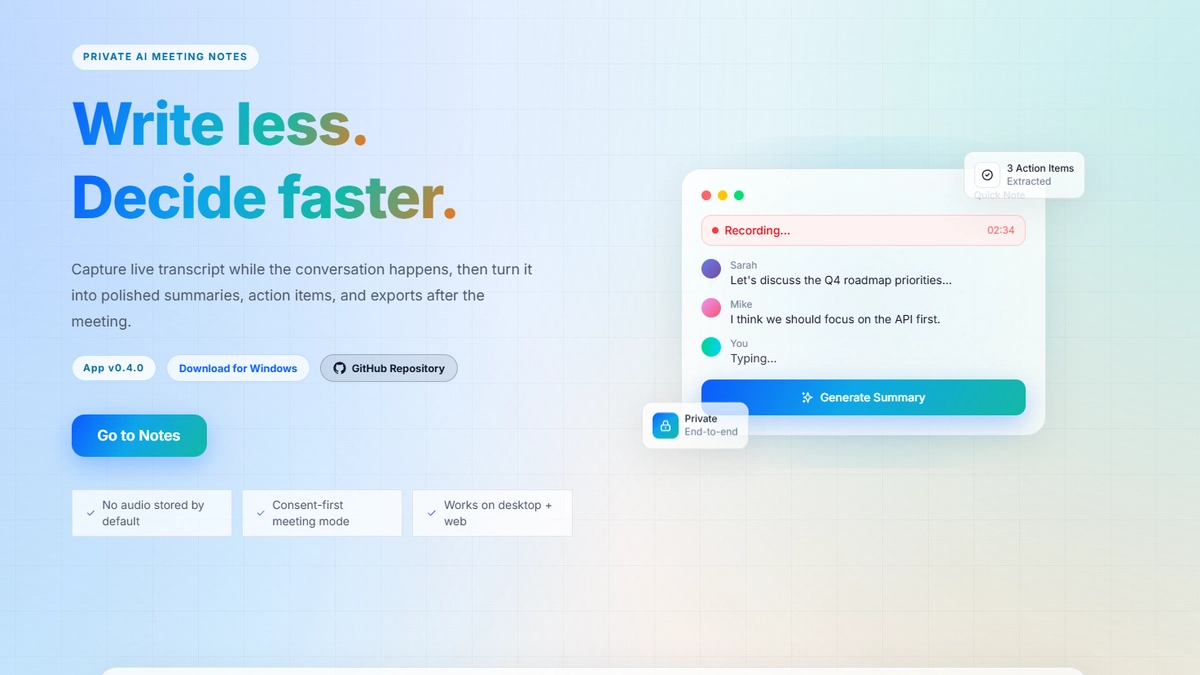
Golden Minutes: Building a Privacy-First AI Meeting Notes System (Web + Desktop)
A breakdown of how Golden Minutes captures meeting audio, generates structured notes, and exports to tools like Notion—while staying reliable and privacy-conscious. Includes architecture diagrams and key engineering tradeoffs.

Frontend <-> Backend Communication: Choose Your Weapon Wisely
Not every app needs WebSockets, and not every update deserves polling. This post compares polling, long polling, WebSockets, SSE, and webhooks to help you choose the right real-time pattern based on latency, scale, cost, and UX.